
How to Create a Premium AI Hero Video for a Brand Website (SHROOMIUM Case Study)
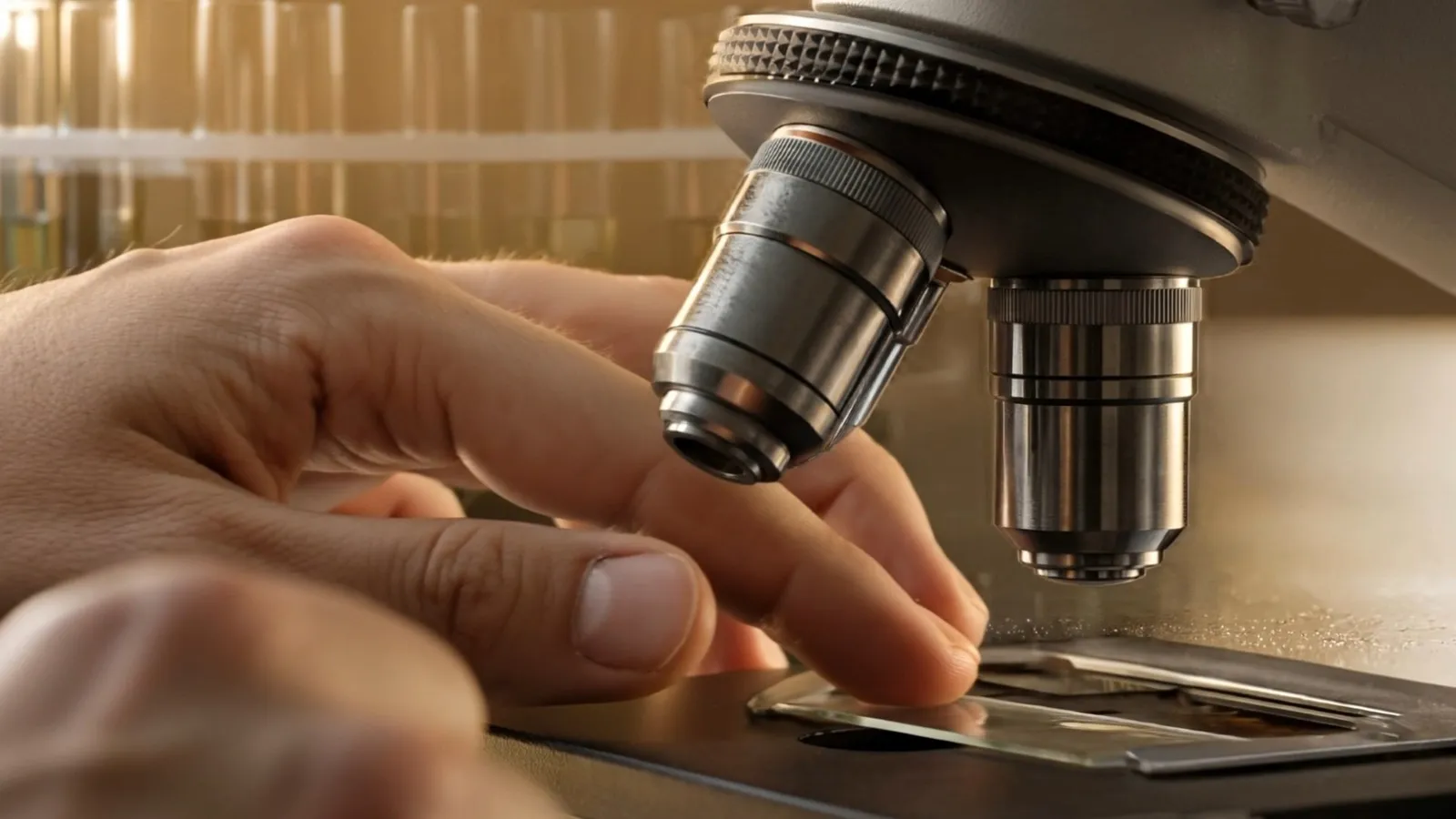
SHROOMIUM is a functional-mushroom brand that needed a premium hero video for its website — one continuous, calm camera move connecting the natural world to the science behind the product. The shot had to open in a forest, among moss, damp soil and fine mycelium structures, then gradually transition into a sterile laboratory environment and land on a microscope. The left third of the frame had to stay clean for the site's headline text and call-to-action.
The client had already tried generating something similar themselves and had worked with other agencies before this — without a usable result. The common failure mode was the same one most AI video has right now: an obvious "AI look," unnatural motion, and clumsy transitions. What the brief actually called for was documentary-level realism, a quiet, luxury aesthetic and a genuinely cinematic feel — no sci-fi gloss, no over-the-top effects.
When a Simple Brief Turns Out to Be Complicated
I started by testing several AI video generation tools to produce the whole thing as one continuous shot. In practice, that turned out to be far harder than it looked on paper.
No AI tool could reliably control everything at once — camera movement, the look of the mycelium, the transition from forest to lab, the microscope's design, and finally, a human hand moving naturally at the microscope.
On top of that, the client's vision for the details kept sharpening as the project moved forward — the mycelium structure, the transition, the microscope design, the hand position all needed adjustment. Re-rendering the entire video from scratch every time one detail changed would have burned through AI credits fast, with no guarantee that the next generation wouldn't make some other element worse.
The Solution: Control the Image First, Then the Animation
So I switched approach.
First, I built a separate still visual for every stage of the video and stitched all of them into one long composition. I sent that composite to the client so we could agree on the entire visual story before spending anything on AI video generation.
That let us talk through and fix every single detail before a single AI video credit was spent.

Once the visual sequence was approved, I split the long composition into separate 16:9 video segments and generated each one with Kling 3.0. The segments were then assembled together in Adobe After Effects.
The critical part was keeping the camera's direction and speed consistent across every segment, so that a series of separately generated AI clips would read as one uninterrupted shot to the viewer.
The Result
This approach cut AI "interpretation" down to a minimum. Instead of handing the whole scene to the AI from a single long prompt, I controlled exactly what the viewer sees first — and only then used AI to turn that fixed visual material into a moving, photorealistic video.
Even with this approach, the hardest part stayed the same throughout: the human hand at the microscope. It had to look not just real, but perform a logical, natural action — adjusting the microscope's focus.
SHROOMIUM — final hero video
The SHROOMIUM project is a good illustration that a good AI video isn't just a good prompt. The result comes down to breaking a complex brief into controllable stages, aligning each one visually with the client, and only then using AI for the animation and video generation itself.
AI wasn't a replacement for the creative process on this project — it became the tool used to precisely execute a visual concept that had already been worked out beforehand.